A digital stamp card is only an improvement if it takes work away instead of moving it onto a screen. There are three set-ups to choose from: the paper card, a separate loyalty app and a card that lives inside your booking system. They differ in who records the visit, what can get lost and what your clients have to install.
This comparison is for you if you run a hair salon, barbershop, nail, beauty, lash or massage studio or a dog grooming salon and want to replace a paper card or start a loyalty card for the first time. It compares models, not vendors. Providers change their terms often; the questions in this article stay the same. Prices are left out on purpose, and the comparison table describes how each set-up is charged instead.
What the card rewards, and how much each reward may cost you, is a separate decision. Make it before you choose the technology: with the wrong reward, every one of the three set-ups becomes expensive.
Three ways to run a stamp card
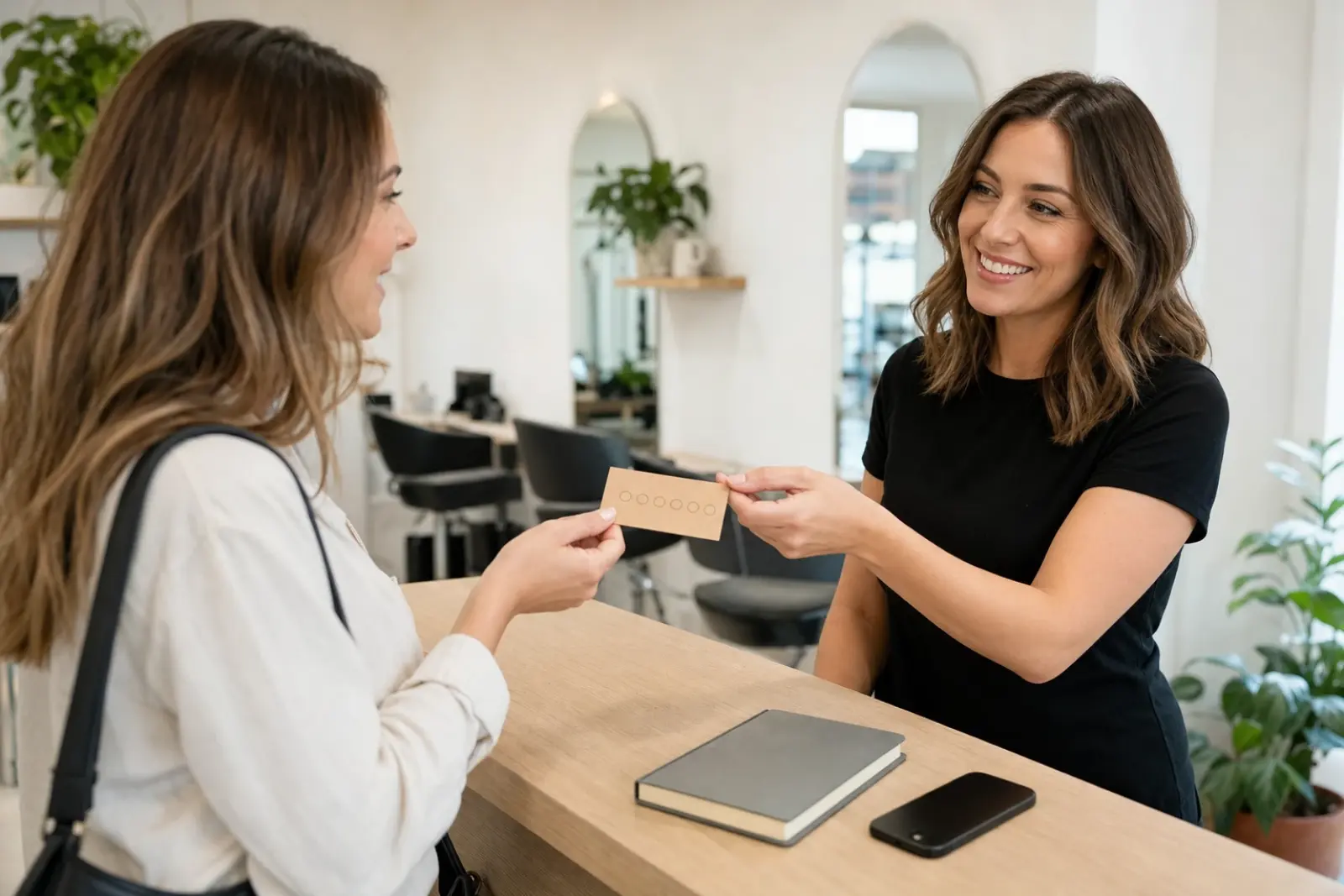
The paper card. The client gets a card at reception, the team stamps or initials it at checkout, and the reward is due once the row is full. It costs printing and a stamp, needs no technology and is understood at a glance. All the record-keeping sits in the client's purse, though. If the card stays at home, goes through the wash or gets lost, the stamps go with it.
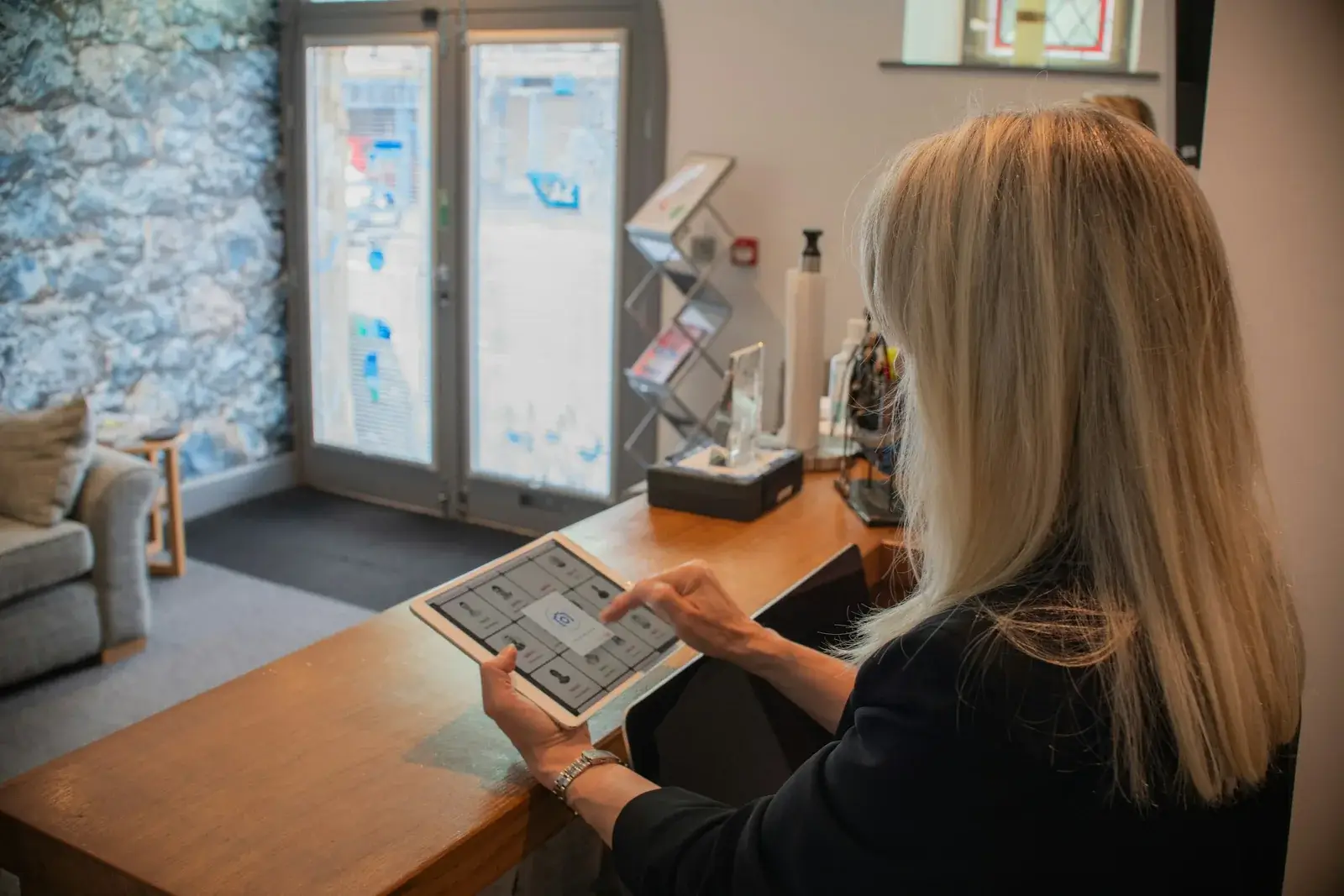
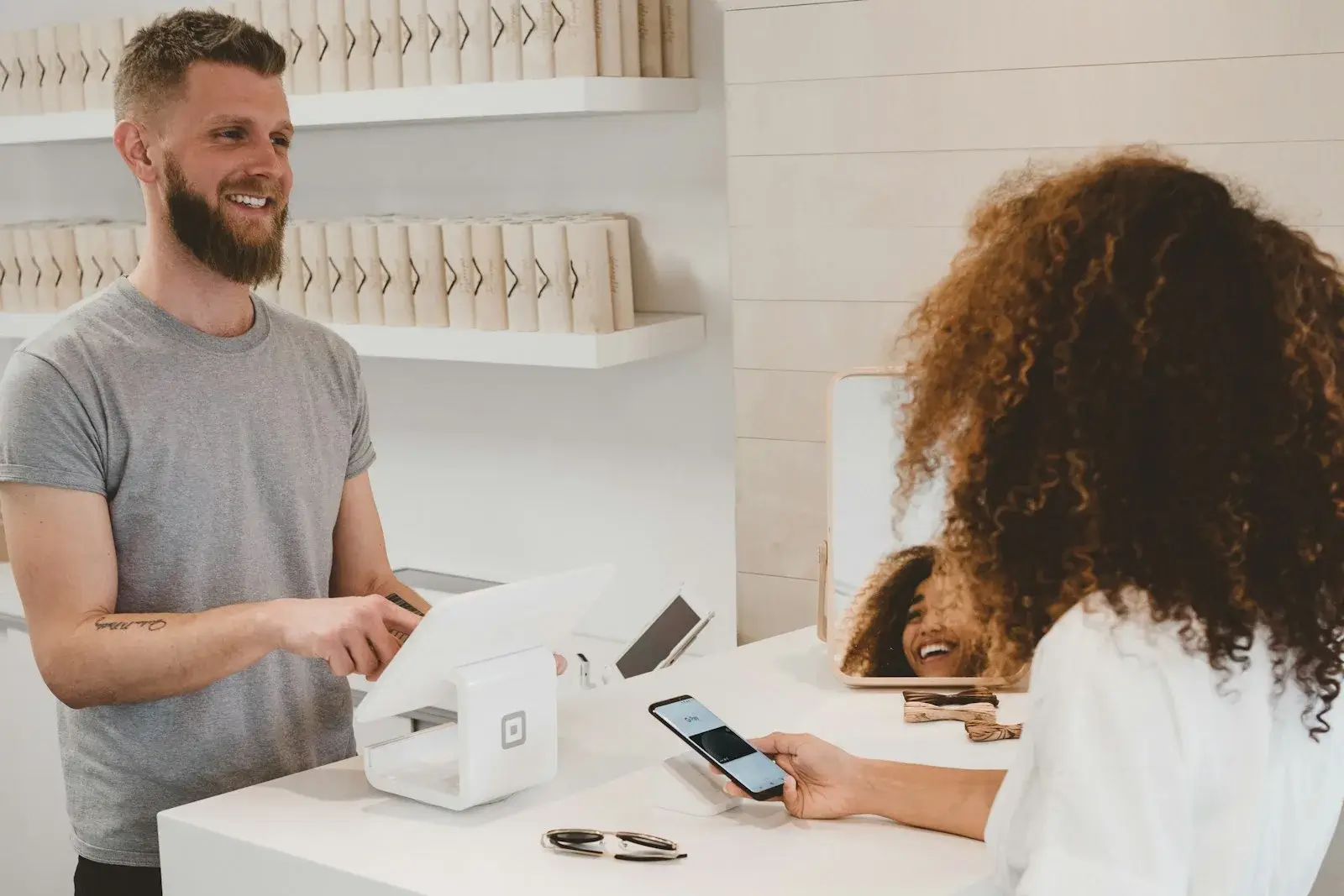
A separate loyalty app. A provider that specialises in loyalty runs the card for you. Usually the client installs an app or saves a web card and shows a code at checkout, and the team scans it with a phone or tablet. Some apps add messages, birthday offers or campaigns. Recording the visit is still a manual step at the counter; it has simply moved from paper to a device.
A card inside the booking system. If your clients book online, or your team keeps the appointment book in software, that system already knows who came and what was booked. The card can then fill itself from appointments that took place: nobody stamps anything, and a visit that never happened earns nothing. The limit is the mirror image of the strength. A visit that never enters the calendar does not count either.
A stamp card is only digital once nobody has to remember to stamp it.
Paper, app or booking system: the comparison
The table compares the three set-ups on the points that decide day-to-day use. Read the last row first: it tells you which column fits a business like yours.
| Question | Paper card | Separate loyalty app | Card in the booking system |
|---|---|---|---|
| Who records the visit? | The team, with a stamp | The team, by scanning a code | Nobody: past appointments count |
| When is a visit missed? | Card left at home | Phone not at hand | Visits not entered as appointments |
| What gets lost? | The card and its stamps | Rarely the balance, sometimes access | Nothing |
| Can visits be faked? | Easily | Hardly, if scans are logged | Hardly: corrections need a reason |
| What does the client install? | Nothing | Usually an app | Nothing extra |
| Which data is collected? | None | An account with the app provider | A points history beside appointments |
| Data protection | Hardly an issue | Responsibility, storage, own use | Does your agreement cover it? |
| How is it charged? | Printing and a stamp | Monthly fee per location | Part of a plan, or an add-on |
| Fits best | Walk-ins, a first test | Clients who rarely book ahead | Mostly booked appointments |
The pattern is easy to see. The paper card and the app both depend on a manual step at the busiest moment of the day. The card inside the booking system removes that step, but only for visits that are in the calendar. So the useful question is not “digital or paper?” but “where is the visit recorded anyway?”
The app column carries more than the table shows. An app account usually holds a name, a phone number or an email address and the visit history, and many apps add messages and campaigns, which a card in the booking system rarely does. Where the GDPR applies, as in the EU, it covers the app and the integrated card alike as soon as a card belongs to a person. With a separate app, also settle whether the provider processes the data on your behalf, which calls for a data processing agreement, or for purposes of its own as well. The guide to GDPR-compliant salon software lists what to check with a provider.
When a paper card is genuinely enough
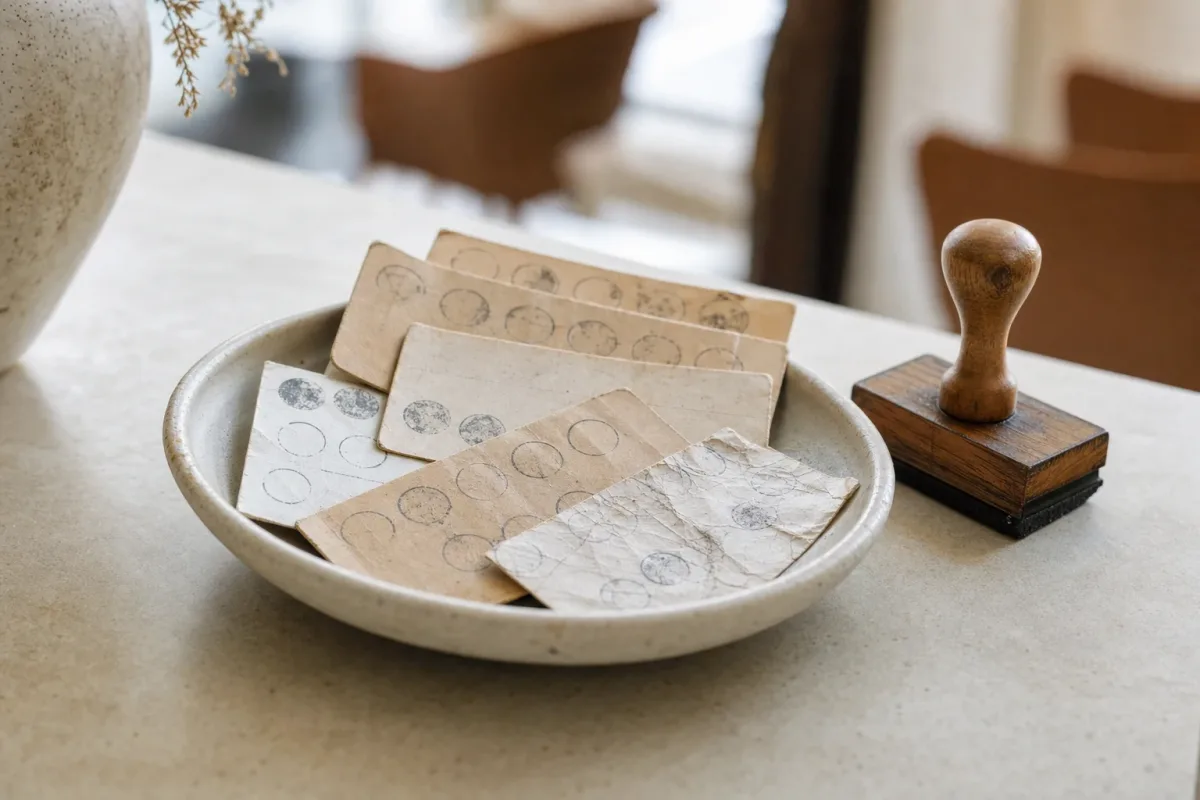
Paper is not the outdated option. It is the right one when most visits are walk-ins without an appointment, as in a barbershop that takes no bookings: a booking system would simply not see those visits. It is also enough when you first want to find out whether a card changes anything before you commit to a system, or when one person works the counter and knows every regular by name.
A paper card works if it is set up as carefully as software would be:
- A mark that is hard to copy. Use your own stamp or initials, not a tick anyone can add with a pen.
- Conditions on the back. What counts as a visit, what the reward is, whether stamps expire and whether the card may be passed on.
- A rule for lost cards. Decide in advance whether you replace them, for instance after checking the appointment book, and tell the team.
- A row that can be filled. If a regular comes every six weeks, a row of ten takes more than a year. Six to ten fields with a smaller first reward keep the goal in sight.
If you want to try paper first, design the card in your browser with our free punch card template: fields, reward and conditions on the back, ready to print.
The weakness of paper is not the paper but the reward that usually comes with it: a whole free visit once the row is full. That makes the card expensive, and it is the first thing to rethink if you change the system later. How to price a reward, and what else brings clients back, is covered in the guide to salon client loyalty.
Related articles
How a stamp card inside the booking system works
An integrated card reads the appointment book instead of waiting for a stamp. Once an appointment has taken place, the system credits the points for it. A well-built one does this with a short delay, overnight for instance, so the team still has the day to mark a no-show. If an appointment is later marked as cancelled or as a no-show, its points are taken back. Nobody has to remember anything at checkout.
Two counting rules are common. With points per euro of the booked price, a long colour appointment earns faster than a quick fringe trim, which keeps rewards in proportion to what a client spends. With a fixed number per visit, every visit counts the same, as on the paper card; that suits a business with one main price. Counted once per day, a cut and a colour on the same afternoon remain one visit.
The reward is redeemed where the client is. The team sees at the appointment that a reward is due, asks at the chair whether the client wants to use it and confirms the redemption. The discount itself belongs on the bill; if the booking system has no till, it is deducted in yours. Clients see their balance without an app: in their customer account and through the link in their appointment emails.
Salon Wizard is one system that works this way, from the Solo Plus plan upwards. It counts points per euro of the booked price or a fixed number per visit; with one point per visit and a first reward no more than twelve visits away, the card shows stamps instead of a number. You can offer up to three rewards: a free service, optionally capped at an amount, an amount off, a percentage off or a gift. Points can expire a chosen number of months after the last credit, and at the start you can credit appointments from the past six or twelve months. When a reward is due, a gift symbol appears at the appointment in the calendar; the team clicks “Redeem” and confirms in a dialog. Salon Wizard has no till, so the discount is deducted at your own checkout. The conditions your clients read are generated from your settings, and on an iPhone the card can be added to the home screen.
Two limits are worth knowing before you switch. A walk-in only counts once it is entered as an appointment with the client's name. A service priced “on request” earns points only when the team credits them by hand. The features page shows the card alongside the rest of the software.

Questions to settle before you switch
- What happens to the stamps on paper? Honour started cards until they are full, or credit them once by hand when a client shows the card. A system that can credit past appointments saves you most of that work for your regulars.
- What counts as a visit? Every appointment, every day with an appointment or every euro? Do products count? The answer belongs in the conditions.
- Who redeems, and where is it recorded? A reward should only count as redeemed after a confirmation, so nothing happens by accident. Every redemption should appear with its date in the client's history.
- Who sees which data? Ask an app provider whether it may use your clients' data for its own purposes, for example to advertise other businesses. Ask where the data is stored and whether you can export it.
- What happens if you stop? Collected points are a promise. Decide how long they stay redeemable after the end and put it in the conditions.
- Conditions in writing. Say what counts as a visit, which rewards there are, when points expire and what happens at the end, and make the conditions easy to find before a client starts collecting. The details depend on the country: in the UK, rule 8.17 of the CAP Code asks for all significant conditions and the promoter's name and address; in Ireland, section 5 of the ASA Code asks for the same; in the United States, the FTC's guide on “free” offers (16 CFR 251.1) asks for every condition to be stated with the offer; in Canada, Ontario and Québec limit when points may expire; in Australia and New Zealand, a reward has to be given as it was offered. A card that shows its conditions by itself takes that work off your hands. In Salon Wizard they also name your business as the provider and, once you set an end date, how long the card runs.
- Cost over a year. Add up the monthly fee, messages and add-ons, not just the entry price.
Stay with paper while most visits are walk-ins or while you are testing the idea. Choose a separate app if your clients rarely book ahead and you want campaigns beyond the card, and accept that someone still scans at the counter. If most visits are booked appointments, a card inside the booking system does the stamping for you and takes points back when an appointment did not happen. In Salon Wizard, that card is part of the Solo Plus and Team plans.
Organize your salon or studio?
Online booking, client records, team planning, website and reviews for salons and studios.