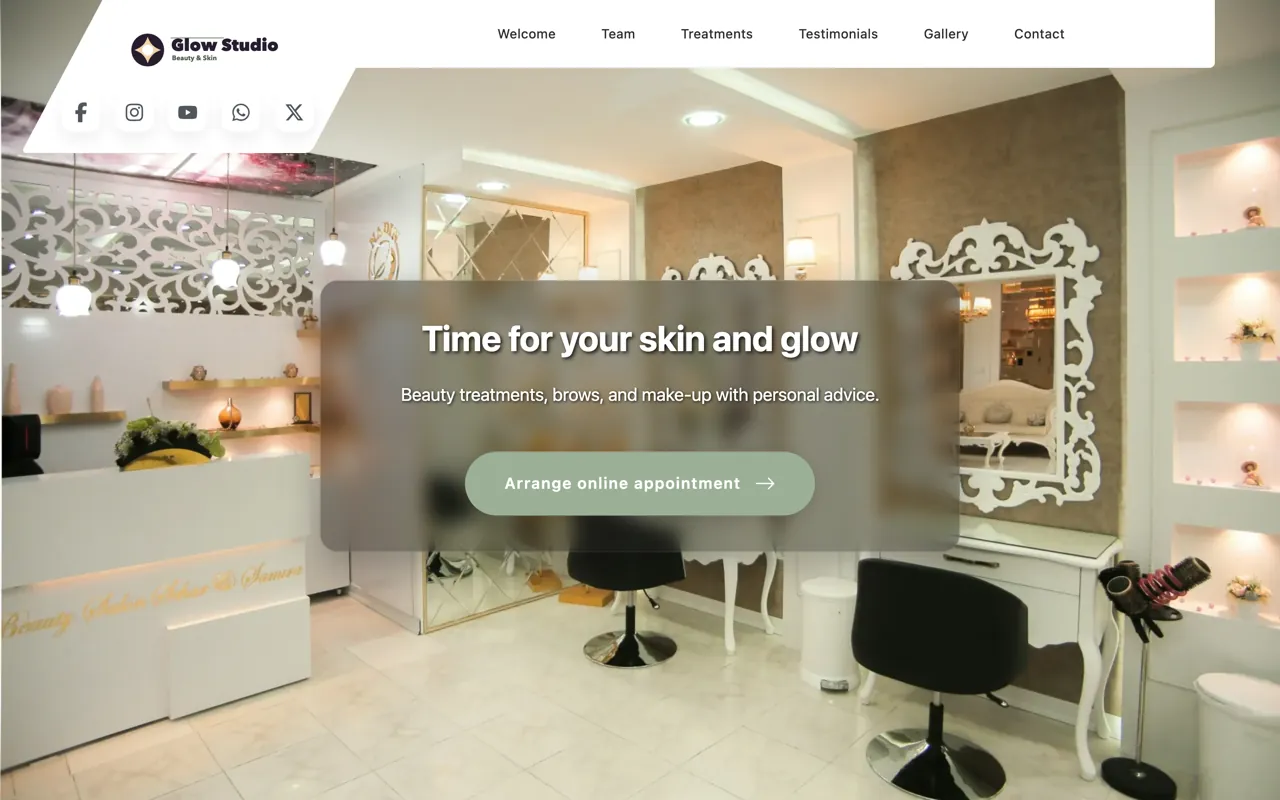
Beauty studio
What is different here?
Treatment series, consultation appointments and before-and-after pictures make different demands on a page than a haircut does. The building blocks are the same, the examples are not.
You enter your salon's services, prices, hours and photos. The software builds your hairdressing salon website from them and runs it. Clients book there straight into your calendar. Nobody designs or codes anything.
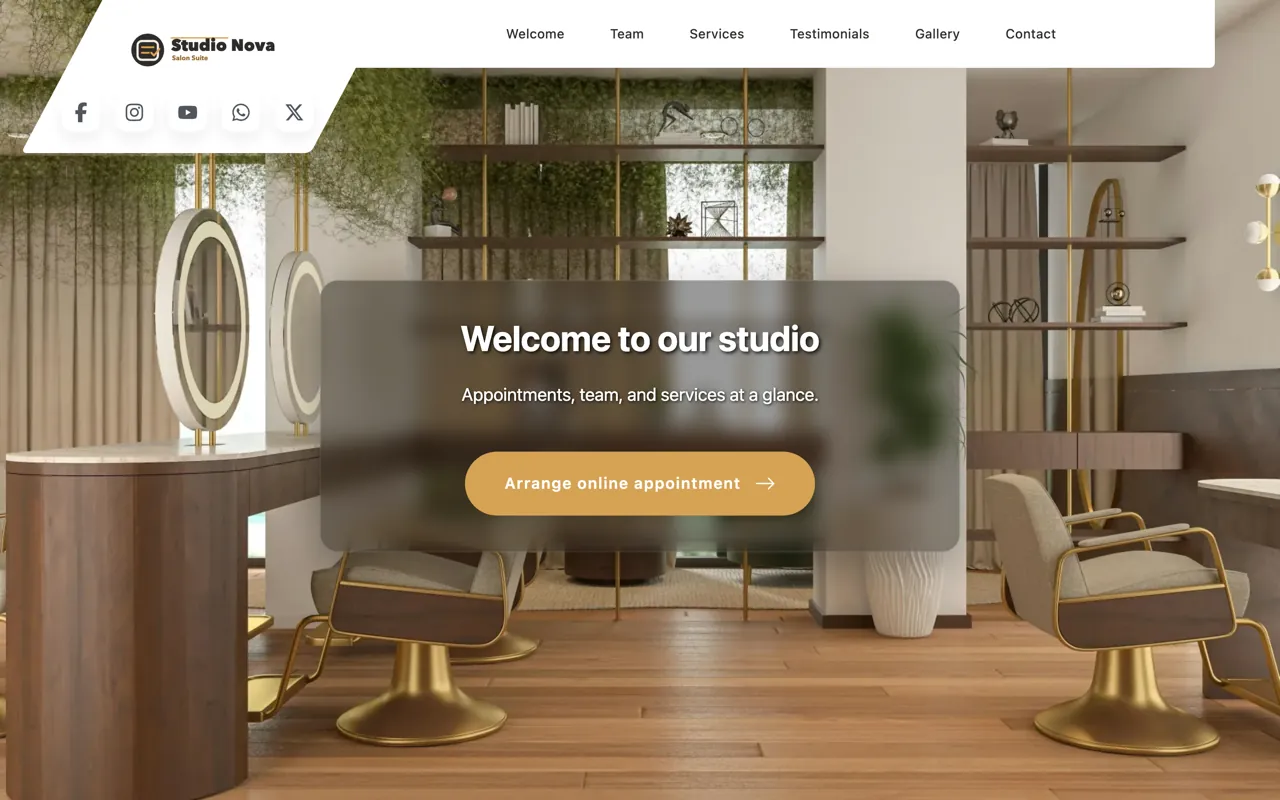
Anyone searching for a hairdressing salon website to be built for them expects an agency, a quote and three weeks. Here you enter services, prices, opening hours and photos, and you write your own copy. The software assembles the page from them, runs it and takes the bookings. Nobody on our side enters data for you or moves an old website across. The effort is an afternoon, not a project.
What you should know beforehand: the automatic address under plan-it-now.com comes with Solo Plus and above. A domain of your own on request means we register a new one for you or you transfer yours to us. On the free address, guests can book only once you have entered your legal name and full address. After the 14-day trial the website stays online only with an active plan. The page for the whole team belongs to the Team plan.
It is not a free page builder: you do not move blocks around, there is no blog and no shop, and the layout belongs to the template. If you need a page that looks exactly the way you sketched it, an agency serves you better.
Four building blocks, and none of them is work you would not have anyway. What sits in the calendar and in the settings sits on the page.
Most hairdressing salon websites fail not on design but on being a second thing that wants maintaining. With Salon Wizard the page is a view of your data: you enter services, hours and team once, and the website shows them. Change the price for balayage and it changes on the page too - without you opening it.
Every treatment you create for the calendar appears on the page - with duration and price, grouped by category. Guests see in advance what to expect, and you maintain the list in one place only.
The page shows you – or, in the Team plan, everyone who works with you – with a photo and a description, and your work in a gallery. Both show what text cannot: what it looks like at your place and who holds the scissors.
Opening hours, address, directions and contact come from the same settings the calendar takes its times from. In the Team plan, each location gets a page of its own; every location beyond the first costs a fixed surcharge.
Your own testimonials or Google reviews directly on the page. Anyone looking for a treatment that needs trust reads them first.
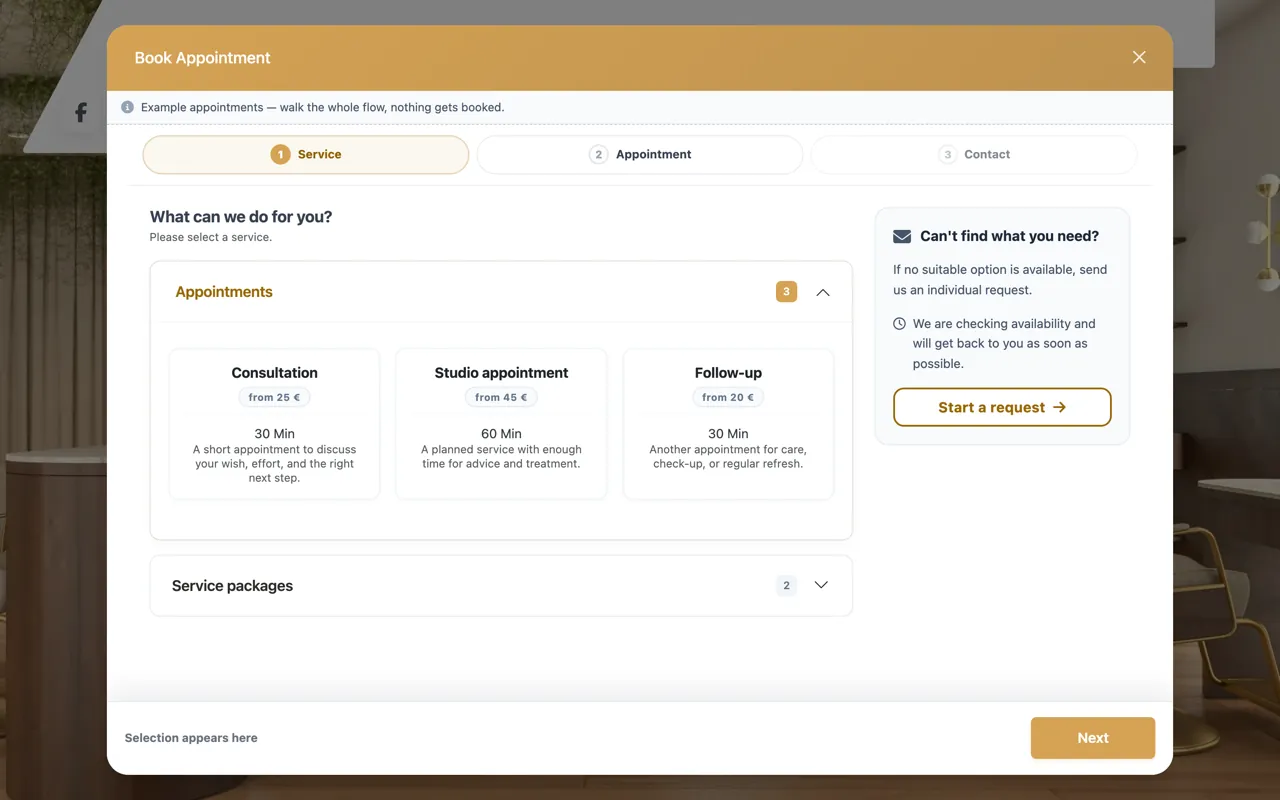
Booking on your hairdressing salon website reads the same calendar you keep your appointments in. Guests choose only from times that are free there. There is no second booking tool for you to reconcile with your calendar.
You decide whether an online booking is confirmed immediately or arrives with you as a request. Guests can move or cancel their appointment with a booking number and e-mail, without an account.
A free address is part of every plan, and how you get it depends on the plan. On Solo you pick the name yourself, for example yoursalon.salon-wizard.com, and your booking page answers under it. From Solo Plus we set the address up automatically from your salon name, under plan-it-now.com - for example yoursalon.plan-it-now.com - and your website answers there.
A domain of your own, such as yoursalon.com, can be added. It is not included in the plan but priced individually on request - what it costs depends on the ending, and we name the yearly price before you agree to it.
No surcharge. From Solo Plus the website is part of the plan and is not billed per page, per visitor or per booking - only your own domain is separate.
One note so you do not pick the wrong plan: every plan, Solo included, gets a booking page on plan-it-now with your services, opening hours and address, and takes bookings there. The website - gallery, reviews, an about-me page and your own copy - comes with Solo Plus and above. The free address a Solo salon picks shows that booking page, not a website.
In the Team plan, the same website also carries a careers page: open positions, a teaser for them, and applications with documents that land in the salon dashboard instead of an inbox. In a trade where staff are scarcer than customers, the page works in both directions.
Treatment series, consultation appointments and before-and-after pictures make different demands on a page than a haircut does. The building blocks are the same, the examples are not.
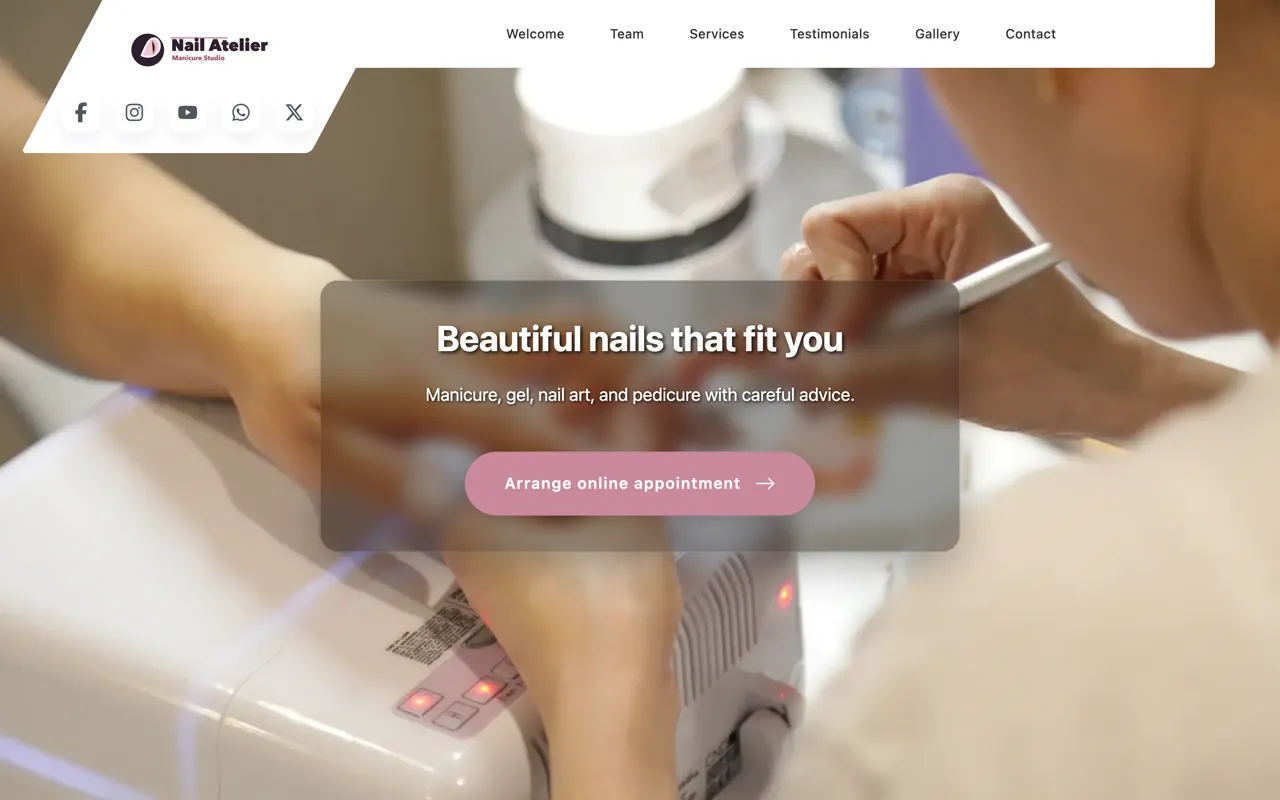
Refills, new sets and nail art differ so much in duration and price that the service list carries half the page.
Walk-ins, waiting list and regulars - here the page mostly decides whether someone drops by or books first.
That depends on how completely your services and hours are already entered - the calendar needs them either way. Starting from nothing, reckon on an afternoon for services, team and photos. There is no publish step and no approval to wait for: from Solo Plus we set your address up automatically, and the website answers as soon as that address exists - during the 14-day trial too. After the trial it stays online only with an active plan. On the free address, guests can book once you have entered your legal name and full address. On Solo, the address you pick shows your booking page, not a website.
Here is the honest answer, because it decides a switch: we obtain and manage a domain of your choosing on request, and your page then runs under it. A domain that is to stay registered with your current provider is something we cannot currently point at the website. That leaves two routes: you move the domain to us, or you place the finished booking page as a single file with your own host - then your address stays in the address bar with nothing changing about the registration. Ask us first which of the two fits your domain.
It is built for the phone rather than adapted to it. By far the largest share of bookings comes from a phone, often in the evening on the sofa - so the path from the front page to a confirmed appointment is shortest there, not at a desk.
Yes. Headings, descriptions, the text about your salon and the service descriptions are yours - the template sets the arrangement, not the words. Whatever you do not change stays on a sensible default instead of being empty.
You can show Google reviews on the page or maintain your own testimonials. Both sit where a guest hesitates just before booking. We do not promise you stars in the search result for it - Google decides who gets those, and the rules change.
Then Solo is your plan, because Solo has no website: your public page is the booking page on plan-it-now, and a free address you pick shows exactly that page. From Solo Plus the website comes with the plan - there is no switch that takes it off the web again. What you can switch off is online booking: the booking page then shows contact details and opening hours only, and is neither indexed nor listed in the directory. Calendar, client records and reminders work either way, and you can embed the booking page in a site you already have.
The demo shows a finished salon with website, services and booking - only after that is it worth creating your own.