
Table of contents
Salon software with or without a till: what providers each mean by it, when the till question arises – and why the answer to it comes from your tax adviser, not from a guide.
“With a till” is not a uniform feature but a label hiding very different things – from a plain list of takings to a complete POS system with hardware and receipt printing. Take that label as given in a comparison and you are comparing packages that do not do the same job, deciding on a requirement you have not yet formulated.
So this article describes two things: what providers mean by the word, and what consequences coupling or separating the two jobs has in daily work. What it expressly does not do is state which tax requirements apply to your business. Your tax adviser answers that question, and it should be answered before you pick a package. In this landscape, Salon Wizard sits on the side of appointment and client organisation.
1. Three levels behind the words till function
The range behind that word is wide, and it starts far below what most people take it to mean. At one end sits pure reporting: the system knows which services were performed and adds them up to a daily total. That is a management figure for your own planning – no more.
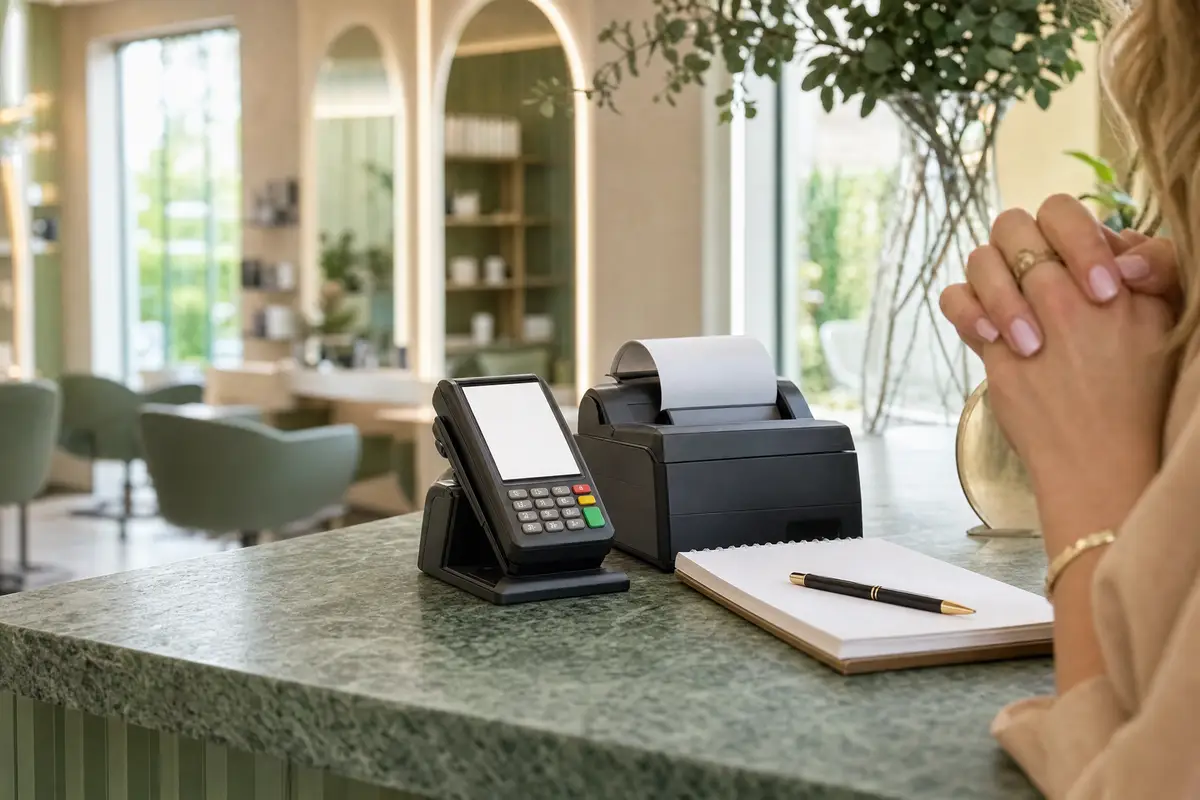
In the middle sit functions that accompany the act of paying: producing invoices or receipts, recording vouchers and products, distinguishing payment methods, allocating tips. At the other end sits a full POS system with its own hardware, cash drawer, receipt printer, card terminal and a link into the bookkeeping.
So with each candidate, do not ask whether they have a till but which of these three levels they mean – and have it shown to you. The practical test is simple: ask them to run a completed appointment through to a finished receipt. Where that path ends, the till function ends. Everything still needed beyond it you go on doing yourself, or with a second tool.
“With a till” is on six providers' pages and means six different things.
2. The point where money comes into play – and who answers it
The till question does not arise from a piece of software but from money being taken for services rendered. It is therefore independent of whatever you plan your appointments with – and in a studio it arises from the first working day.
It is clearest with cash. Which form of record is required there, which demands are placed on the technology used and which documents have to be available later follow from tax rules – and those rules are in motion. What applied a few years ago does not necessarily still apply, and what applies today may change again.
For this guide a clear boundary follows: we say that this question exists and what it hangs on. We do not answer it. What applies in your case depends on how people pay you, how big the business is and which version of the rules is current – no piece of writing can reliably decide that for you. You get that advice from your tax adviser, and you get it before you pick a package. An appointment system is expressly not an answer here: it is built for a different job and does not step into the place of a till solution.
3. A coupled package: what it simplifies and what it ties down
A provider that runs appointments and payments in one product saves you an interface. The appointment ends, the amount is already there, the receipt appears in the same window. On a busy Saturday that is noticeably more pleasant than switching between two devices, and it prevents typing errors at the point where they are most expensive.
The price for it is being tied in, and that only shows later. The package decides on both jobs together: if the appointment planning no longer satisfies you, the till hangs off it, and the other way round. A change then affects two areas at once, often including hardware cut to fit that system.
On top of that comes a question of speed. Till functions are subject to demands from outside; they have to be brought up to date when requirements change. The development time for that is missing from the appointment side. That is not an accusation against providers but a consequence of two logics competing for the same resources inside one product – and it explains why complete packages often feel more ponderous at appointment planning than systems that have only that one job.
Related articles
4. Separate tools and the point where they touch
The alternative is a deliberate division of labour: a till solution that matches the requirements your tax adviser has named, and alongside it a system for appointments, clients, the team and public booking. The two are chosen independently and changed independently.
For that to work, you have to settle exactly one point: the handover from the finished appointment to the act of paying. In small businesses that is not a technical question but a habit – a glance at the calendar, the entry at the till, done. In larger teams it is worth checking whether the two systems can exchange data; be honest in that check about whether the syncing saves more time than setting it up and maintaining it costs.
Two rules keep the separation clean. First: decide which system is the authoritative source for which figure. If the appointment system and the till both show a daily total and the values drift apart, you need a rule about which one counts – otherwise you will be hunting the difference every month. Second: do not maintain prices independently in two places. A price rise that reaches only one of the two systems shows up at the desk, in front of the client.

5. The order of the decision: ask first, then buy
The most common expensive mistake on this topic is not the wrong software but the wrong order: buy a package that promises “with a till”, then work out what the business actually needs. If the two do not match, you pay twice.
So put a short conversation with your tax adviser at the beginning. Take no provider brochures to it, but your own process: how people pay you, what share comes in as cash and what share cashless, whether you issue vouchers or sell products, and what is due to be added soon – a second location, a bigger team, appointments off the premises. Have them tell you, for each of those points, what follows for the recording of your takings and which documents arise from it. Finally, settle in which form the bookkeeping would most like to receive your monthly figures.
Take the answers into the selection as a list of requirements – and then run two separate selection processes. One follows that list, the other follows your working process in the studio. Pack both into a single decision and, as a rule, the requirement that is stated more loudly wins. That is rarely the one that costs more time day to day.
Salon software with or without a till is less a product question than a question of who is responsible. The label “with a till” says little on its own; what matters is which level is meant and whether it fits requirements you have to know beforehand. Settle those requirements with your tax adviser, then choose at your leisure whether a coupled package or two separate tools suits your business better. Both routes are viable – only the reverse order is not.
Organize your salon or studio?
Online booking, client records, team planning, website and reviews for salons and studios.